This lab demonstrates the use of the following elements for OpenVPN: – PKI (Public Key Infrastruture) – RSA (Rivest Shamir Adleman) – CA (Certificate Authority) – DH (diffie-hellman) The devices used are as follows: – DellOptiPlex 7040 as the OpenVPN server (physical box) – DellOptiPlex 9020 as the OpenVPN client (virtual machine) For both devices, they are running Linux CentOS-Stream-10 as the operating system.
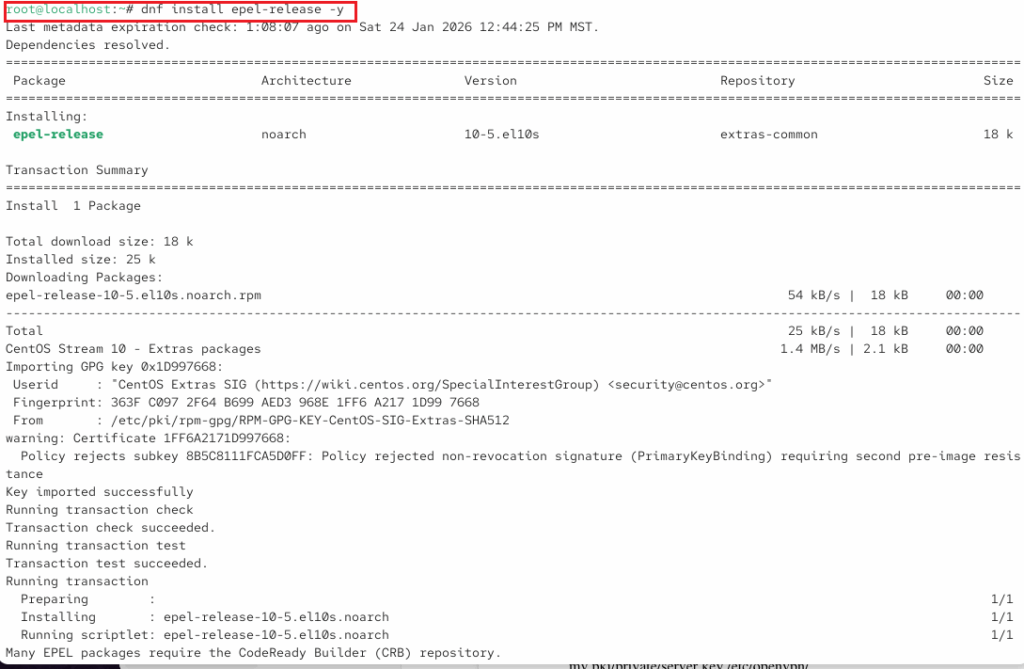
We will start making sure OpenVPN has the necessary dependencies file first installing the epel-release file.
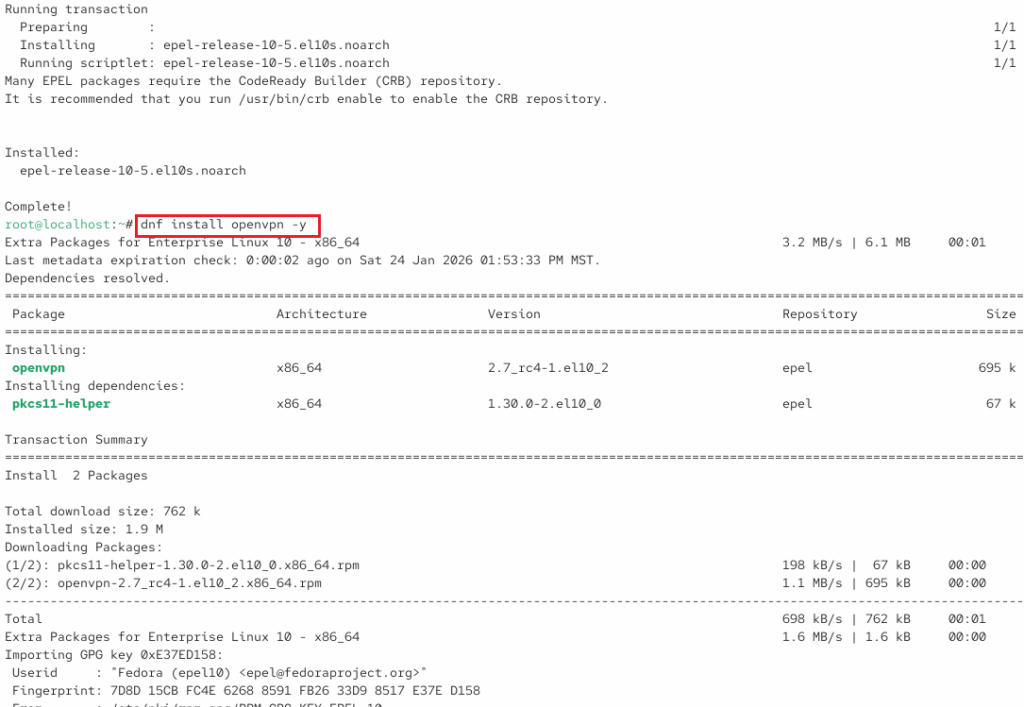
Now, installing openvpn:
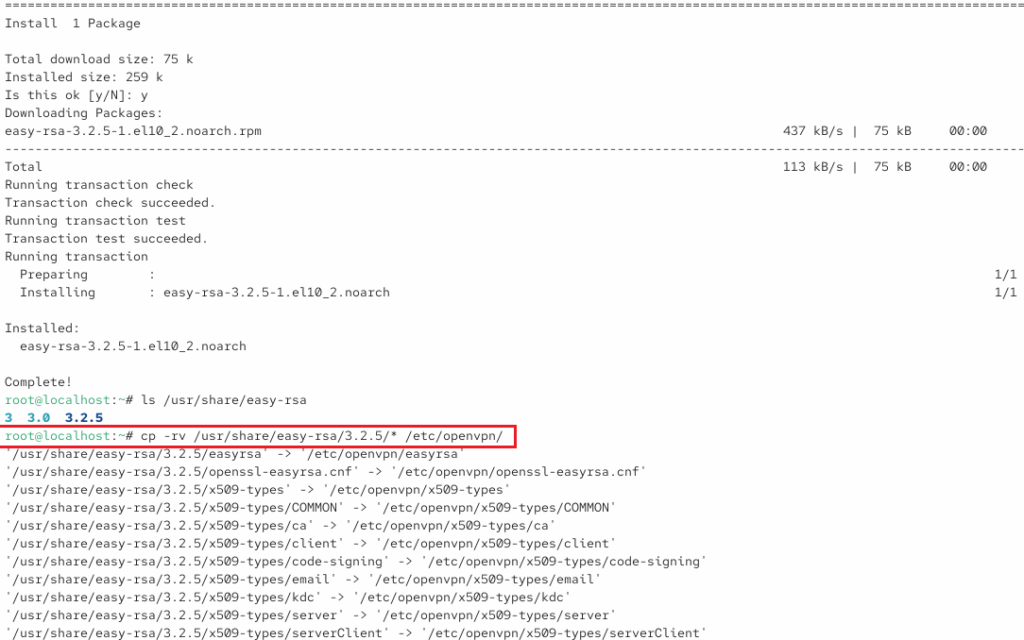
Install easy-rsa and copy to /etc/openvpn/
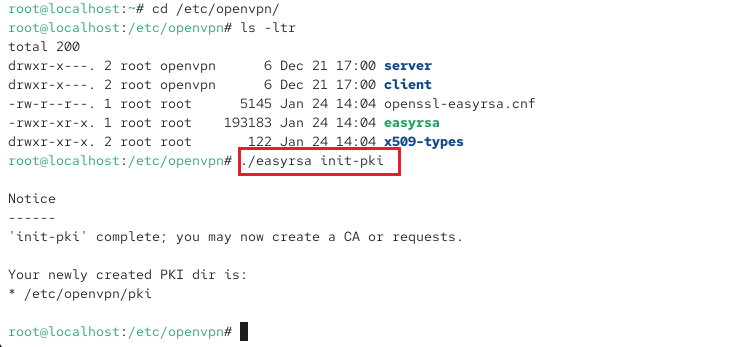
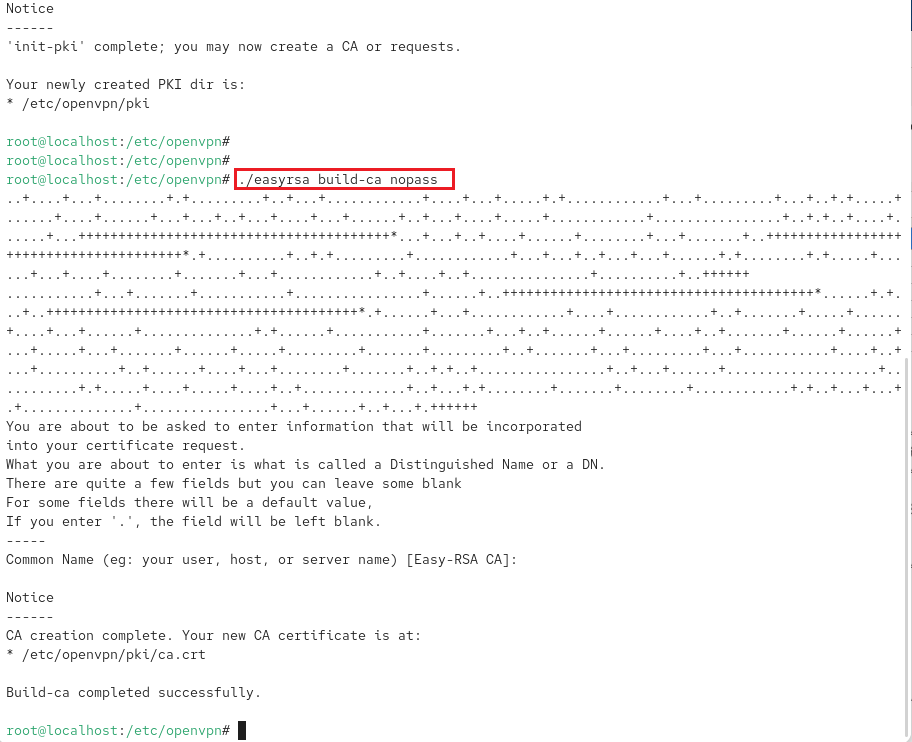
Changing directories to /etc/openvpn/ since the remaining files will be located here. Also installing init-pki.
Create certificate authority (CA). While this is done with no password for simplification for this lab environment, if a password is used, you will be prompted to create an encrypted passphrase.
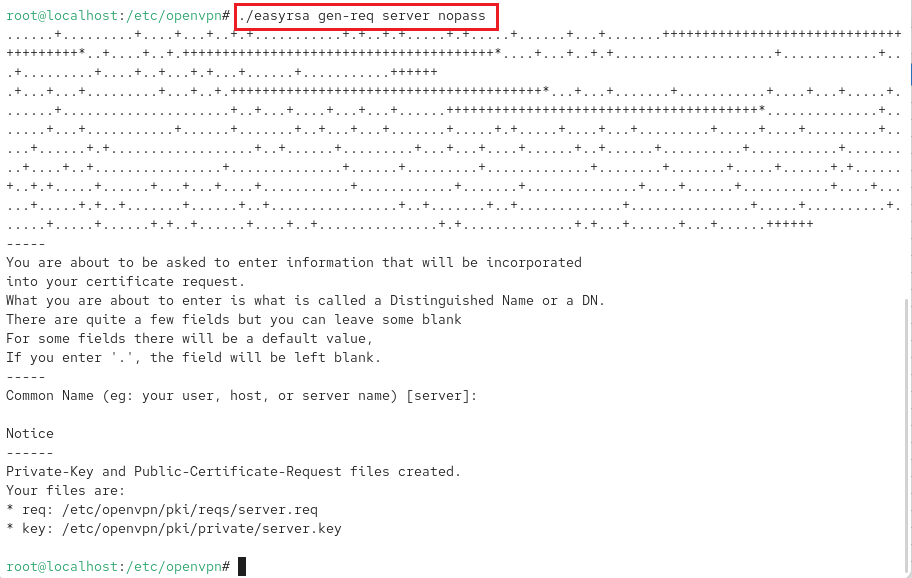
Generate key pair and certificate request for server.
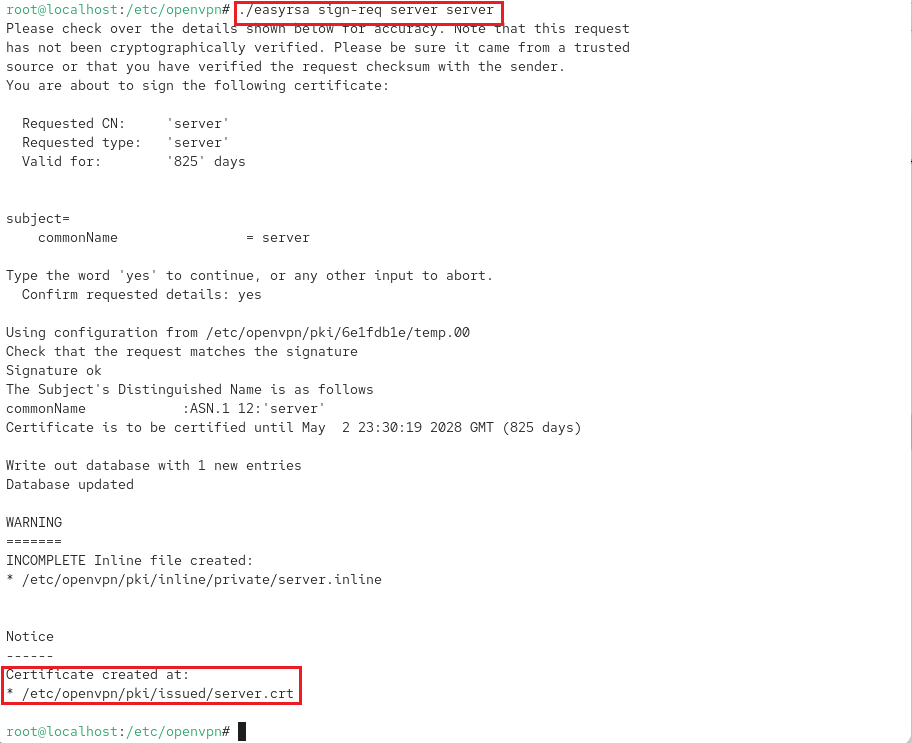
Signs previously generated certificate
Diffie–Hellman – generate keys for exchange.
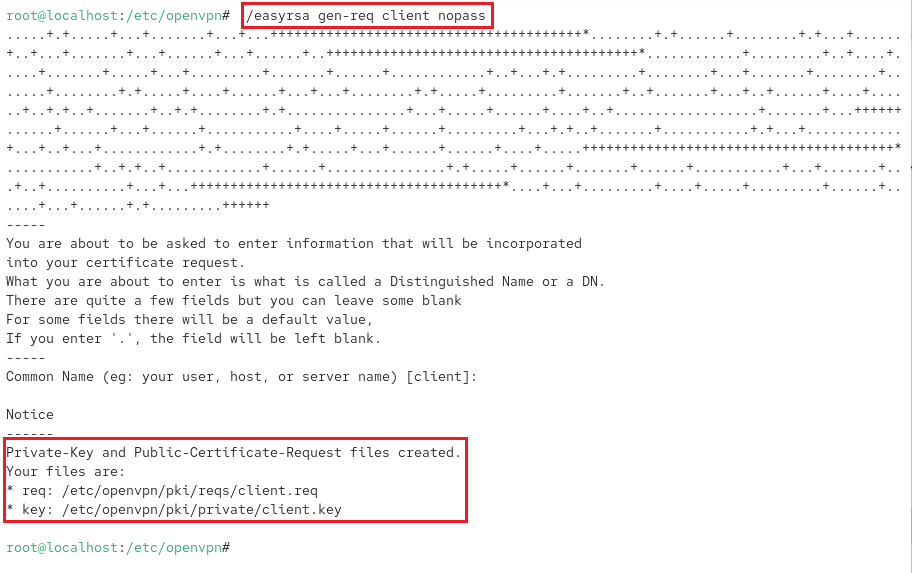
Generate a key pair and certificate request for client.
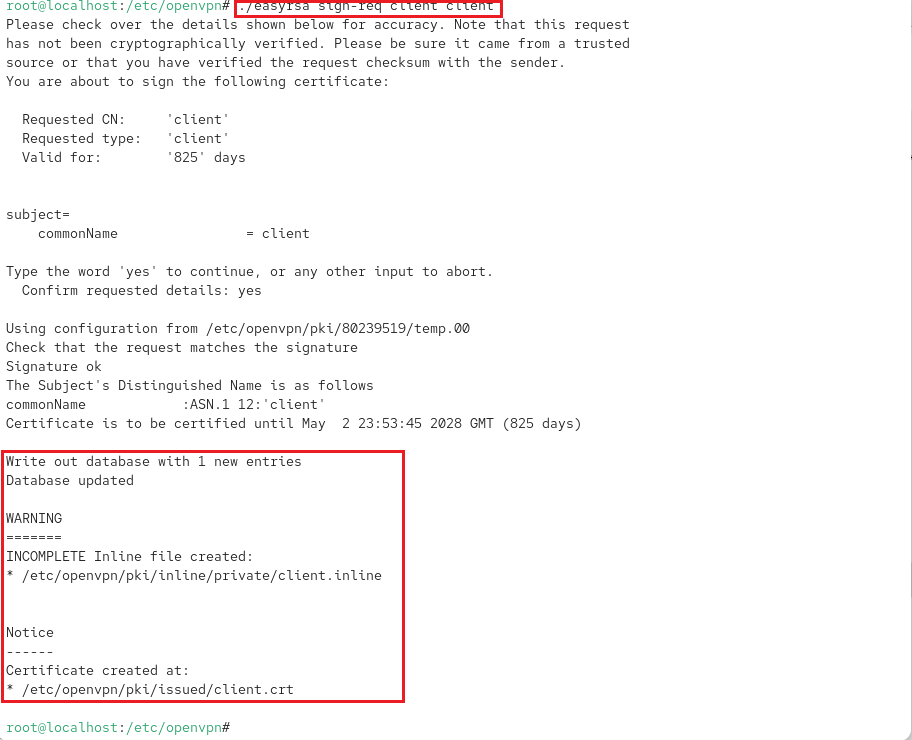
Sign pending client certificate
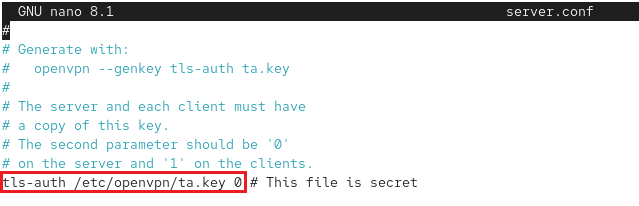
To add another layer of security.
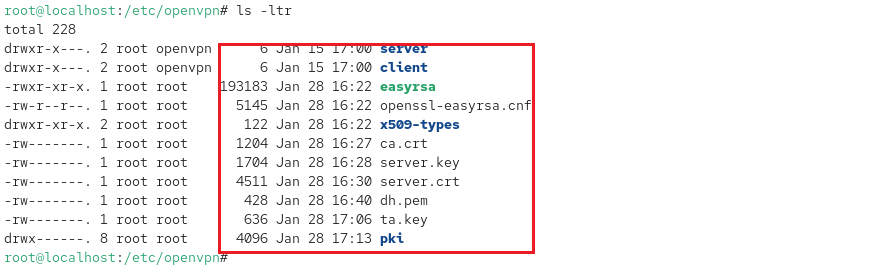
Now, moving certificates and keys.
View additional updates to /etc/openvpn/ directory.
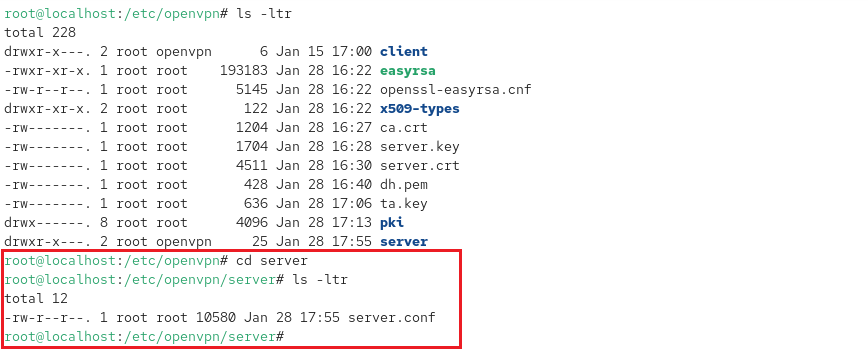
Copying sample server.conf file.
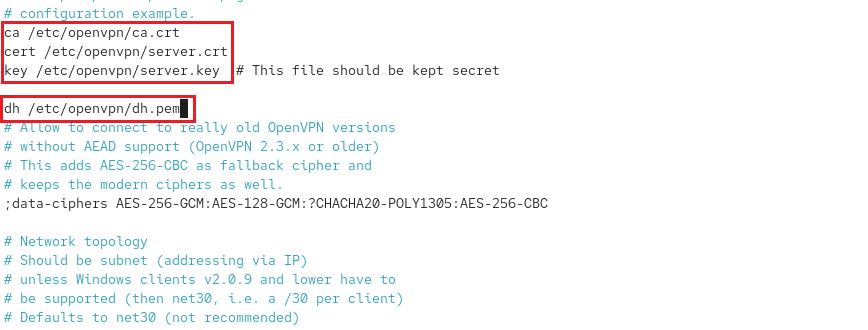
nano server.conf to reflect correct path –> /etc/openvpn/
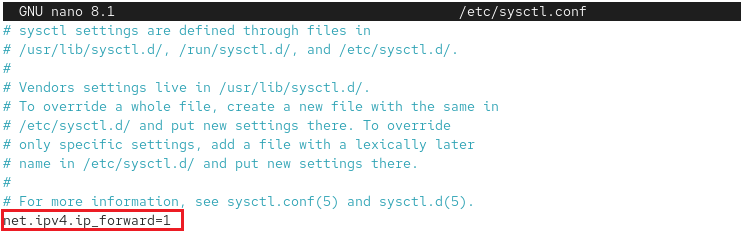
To proper routing, edit sysctl for ip forwarding by adding : net.ipv4_forward=1.
Now, set the permissins for the server.
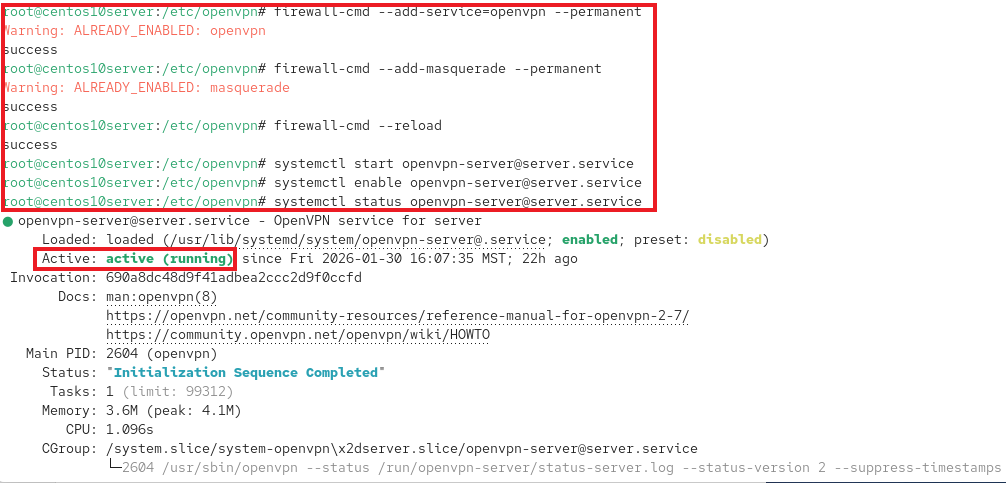
Configure firewall and start OpenVPN services.
Set Up OpenVPN Client
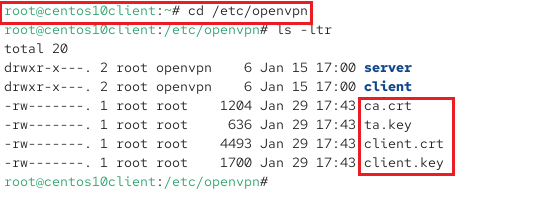
dnf install openvpn –y cd /etc/openvpn/ After installation, use SCP to securely copy certificates, keys and client files from server to client machine: scp /etc/openvpn/ca.crt /etc/openvpn/ta.key /etc/openvpn/pki/issued/client.crt /etc/openvpn/pki/private/client.key root@192.168.1.232:/etc/openvpn/
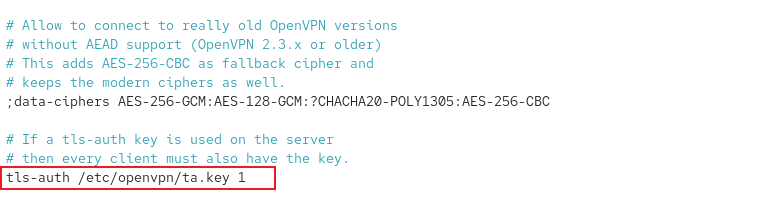
nano /etc/openvpn/client/client.conf # Update server IP: 192.168.1.205
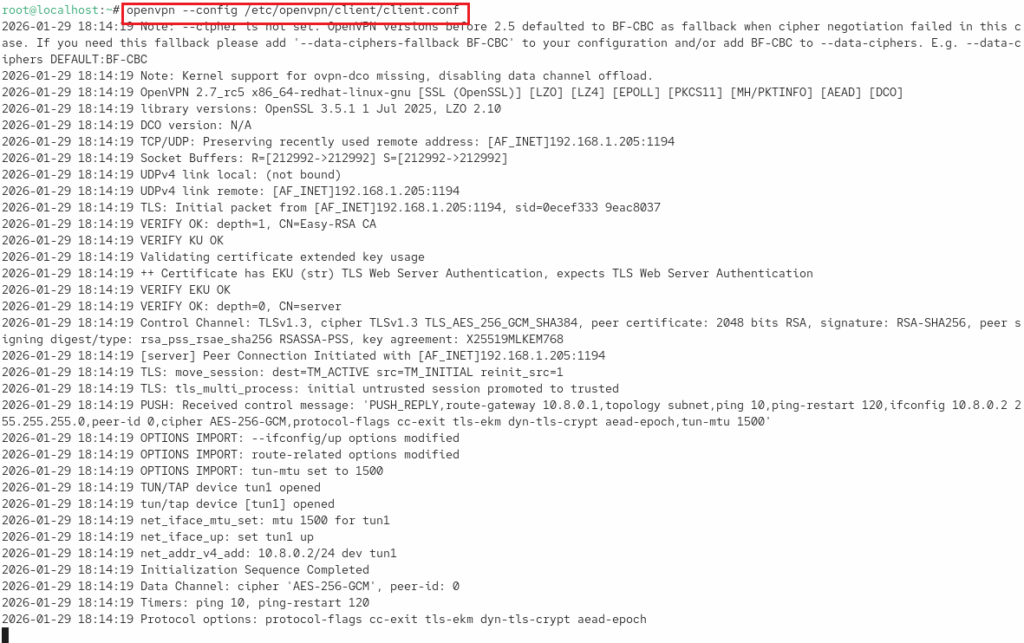
Finally, to launch: openvpn –config /etc/openvpn/client/client.conf
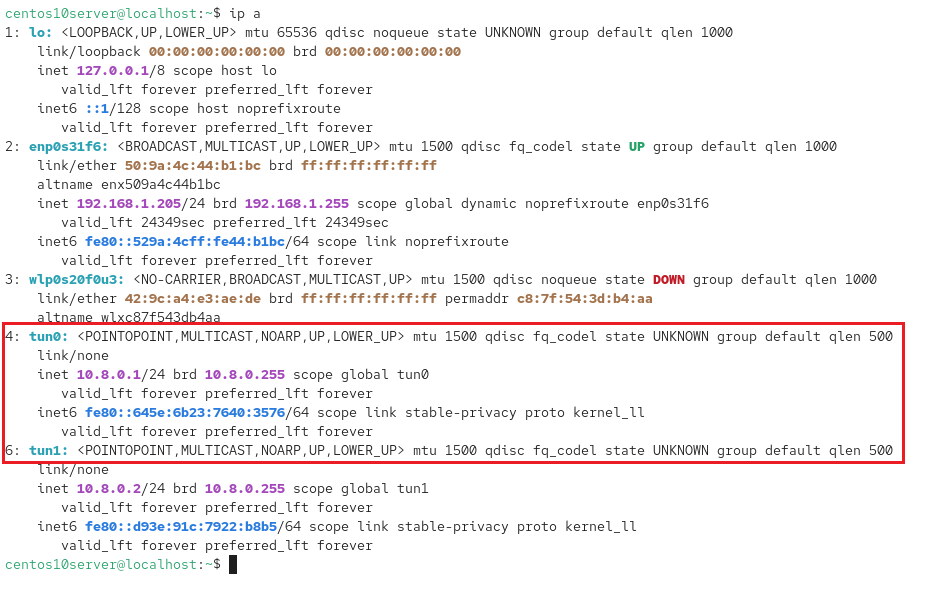
Verify tunnels are up by –> ip a
On client machine, essential files in /etc/openvpn/
Verified public IP addresses on both machines after connecting to OpenVPN server by using the curl ifconfig.me command. Thus, confirming Internet traffic is routed through the VPN tunnel.